

Physical Clock-In Terminal or Digital Clock-In: Which Model Fits Your Company?
A warehouse with rotating shifts doesn't clock in the same way as an office team with laptops. We compare physical terminals and digital clock-in, and why many companies end up needing both at once.
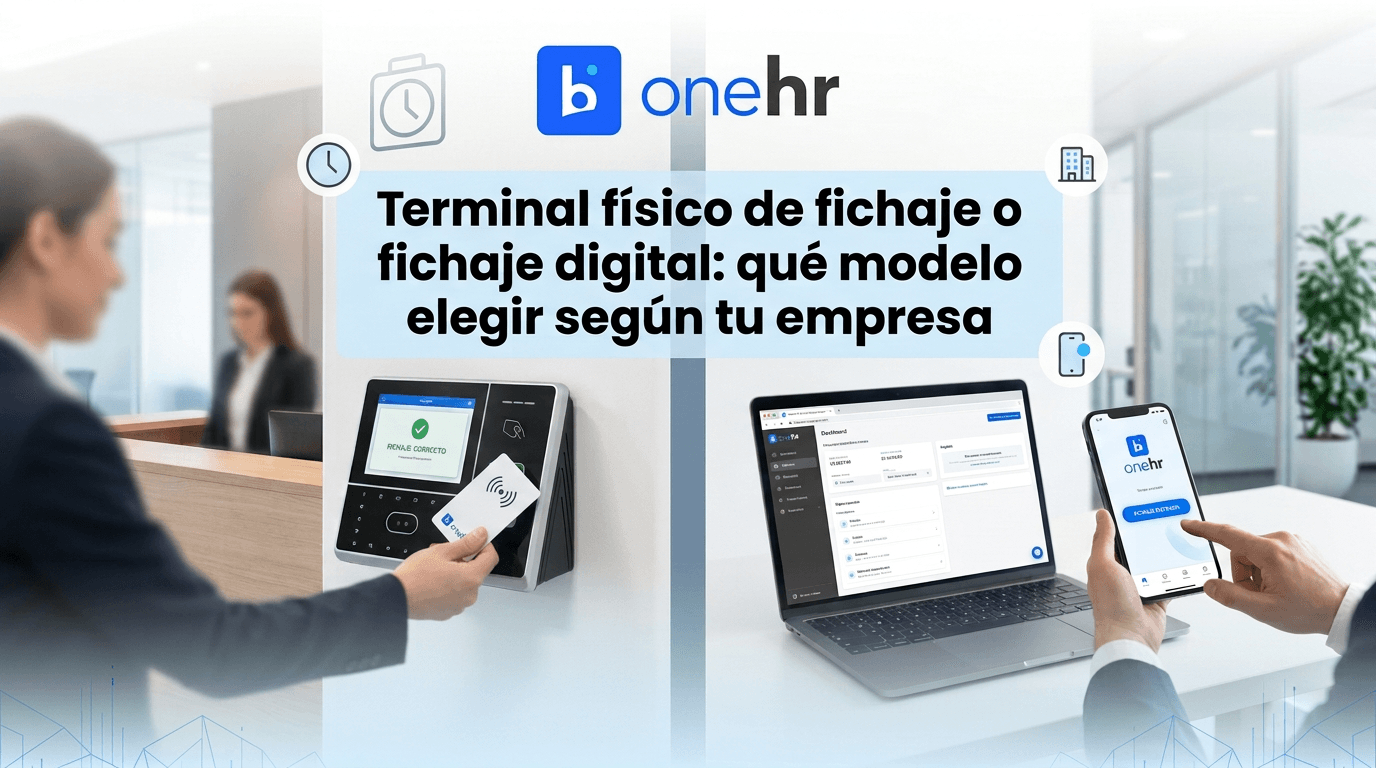
When a company considers digitizing time tracking, the first question is usually technical: app, web, or a physical terminal at the entrance? There's no single right answer, because it depends on how the workforce actually operates. A 40-person consultancy working on laptops doesn't have the same needs as a logistics warehouse with rotating shifts, staff without a corporate email address, or employees who don't even have a fixed workstation.
The law requires companies to record every employee's working hours, but it doesn't mandate a specific method. That leaves room to choose the system that best fits the type of site, the workforce profile, and existing infrastructure. And in many cases, the decision isn't "one or the other," but which to use in which situation within the same company.
Digital clock-in: app and web
Digital clock-in works from a personal or corporate phone, or from a browser on a work computer. The employee logs their start and end time with a couple of taps, and optionally the system can verify geolocation to confirm the clock-in happens at the work site or an authorized area. It's the natural model for teams with mobility, partial remote work, or several locations, because it doesn't depend on being physically in front of a specific device.
The weak point comes up when staff don't have their own phone during working hours, when the company doesn't want to ask employees to use their personal device to clock in, or when the job itself doesn't allow for checking a screen when arriving (a production line, a counter, a workshop). In those environments, forcing digital clock-in creates friction and, often, missed entries.
Physical terminal: the clock-in device at the entrance
A physical terminal is a device installed at a fixed point, usually the entrance of a warehouse, office, or store, where employees clock in when they arrive and leave. It's the best fit when there's a clear access point and a workforce that doesn't need to, or shouldn't, use a phone for this task: plant staff, operators, shop assistants, cleaning or maintenance personnel.
Its main advantage is that it doesn't depend on everyone having a compatible device or remembering to carry it. It also reduces the risk of clock-ins happening away from the work site, which tends to be a real concern for HR in production or retail settings. The trade-off is that it requires purchasing and installing equipment, and it doesn't work for anyone who works off-site, at a client location, or on the road.
Quick comparison
- Digital clock-in (app/web): ideal for mobile teams, remote work, or several locations; requires no extra hardware; depends on employees having and using a compatible device.
- Physical terminal: ideal for plant, store, or workshop staff with a fixed access point; doesn't depend on the employee's phone; requires installation and equipment cost.
- Optional geolocation: useful in digital clock-in to confirm the entry is made from the work site, without needing a physical terminal.
- Companies with mixed profiles: office + plant, or headquarters + stores, usually need both models running in parallel, not just one.
- Data centralization: whatever the clock-in method, HR needs to see everything together to reconcile hours, shifts, and incidents without manual work.
Why you don't always have to choose just one
In companies with mixed workforces, the common mistake is trying to force a single clock-in method across the whole organization. A company with central offices and a production plant, or a chain with stores and administrative staff, has different work profiles under the same payroll. Asking a warehouse operator to use an app on their personal phone creates pushback; asking a sales rep who travels every week to always clock in at the same physical terminal simply isn't practical.
The practical solution is an HR system that natively supports both models, without that meaning two separate tools to manage or manually cross-referencing data between different systems. When physical and digital clock-in feed the same database, reconciling hours, reviewing incidents, or exporting reports stops being a duplicated process.
How One HR solves it
One HR includes both clock-in models within the same system. On one hand, digital clock-in from web and mobile app, with optional geolocation to confirm the point of entry. On the other, GoBridge, a physical clock-in terminal installed at the entrance of the work site (warehouse, office, or store), especially useful for staff without a corporate phone or who always clock in at a fixed point. Both modes coexist without friction: each record is identified by its originating terminal or device, and all clock-ins, physical and digital, are centralized in the same time-tracking dashboard, with the same reports and the same incident management for HR. There's no need to choose a single model for the whole company or maintain separate systems: each site or group uses whichever method fits best, and HR sees it all unified.
Frequently asked questions
Can a physical terminal be used at some sites and digital clock-in at others?
Yes. Since everything is centralized in the same system, each work site can use whichever model best fits its workforce without affecting overall HR management.
Does the physical terminal need a permanent internet connection?
It needs a connection to send records to the central system, like any connected device at a work site. Installation happens at the site's entrance, next to staff's usual access point.
Is geolocation mandatory for digital clock-in?
No, it's a configurable option. Some companies enable it to confirm the clock-in happens at the work site, while others prefer not to use it, especially for highly mobile teams.
Are physical terminal clock-ins and app clock-ins shown together, or do I have to check them separately?
They're shown together. All records, regardless of origin, are centralized in the same time-tracking dashboard with the same reports and incidents, identifying which terminal or device each clock-in came from.